 JumpBud
Mole Sweep – Free No-Guess Minesweeper-Style Logic Puzzle
To play without the Safari address bar, tap Share, then Add to Home Screen. Turn on Open as Web App if shown, then launch JumpBud from your Home Screen.
On a phone, tap a grass patch to dig it and long-press to place a flag. You can also switch the ⛏ Dig button to ⚑ Flag so taps place flags. Tap a number that already has enough flags to dig all its other neighbors at once. On Medium and Hard, tap Zoom in for bigger patches and drag with one finger to look around the meadow.
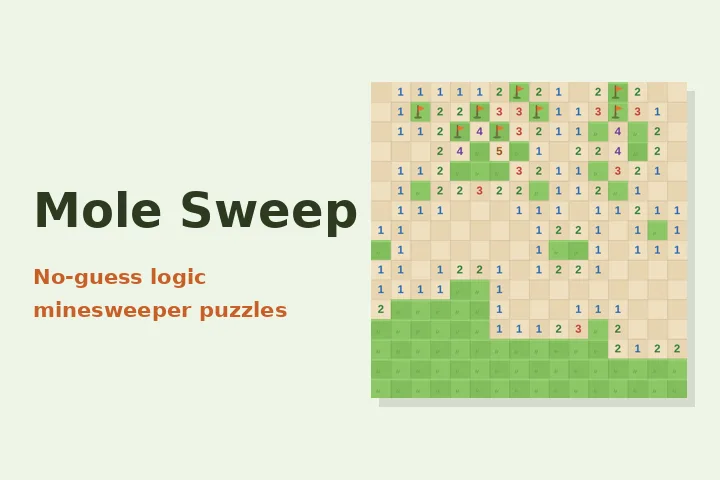
Mole Sweep is a free no-guess minesweeper-style puzzle you can play in your browser on a phone, tablet or computer, with no download and no sign-up: four modes (Easy 9×9 with 10 moles, Medium 16×16 with 40, Hard 30×16 with 99, and a Daily Field that is the same for everyone), a safe first dig, and every field checked by a logic solver so it never forces a 50/50 guess. Moles are hiding under a grassy meadow. Each patch you dig shows a number: how many moles sit in the eight patches around it. Use those numbers to flag every mole and dig every safe patch. Unlike classic minesweeper, Mole Sweep never forces a 50/50 guess: every field is generated around your first dig and checked by a logic solver, so it can always be cleared with reasoning alone.
Game info
- Developer
- JumpBud (original game)
- Genre
- Puzzle · Casual · Relaxing
- Released
- November 25, 2026
- Last updated
- November 29, 2026
- Platforms
- Browser on desktop, mobile and tablet
- Orientation
- Portrait
- Controls
- Touch · Mouse · Keyboard
- Price
- Free, no download, no sign-up
How to play Mole Sweep
Dig every safe grass patch and use the numbered clues to mark the moles without setting one off.
- Choose Easy 9×9 (10 moles), Medium 16×16 (40 moles), Hard 30×16 (99 moles) or Today’s Daily Field.
- Tap any patch to start. Your first dig is always safe and opens a patch of the meadow.
- Each number shows how many moles hide in the 8 patches touching it (sideways and diagonally). A blank patch has no moles around it and opens its neighbors automatically.
- Flag a patch when the numbers prove it hides a mole (long-press, right-click or ⚑ Flag mode). Dig the patches the numbers prove are safe.
- Dig every safe patch to clear the field. Dig a mole and the round ends — you can retry the same field or start a fresh one.
Tips for Mole Sweep
- After flagging a mole, look for a neighboring number that now touches exactly that many flags. Tap that number to dig its remaining neighbors together.
- On a crowded Hard field, zoom in before using a long-press near a clue. The larger patches make it easier to flag the intended square.
Controls and devices
- Phone and tablet: Tap to dig, long-press to flag, or switch the ⛏ Dig / ⚑ Flag button. Tap a number that already touches enough flags to dig the rest of its neighbors. On Medium and Hard fields, Zoom in makes each patch 34 px wide (instead of about 22 px on a phone) and lets you drag the meadow around.
- Mouse: Left-click digs, right-click places or removes a flag. Clicking a satisfied number digs its remaining neighbors.
- Keyboard: Arrow keys move the cursor, Space or Enter digs, F flags, M switches Dig/Flag mode and H gives a hint.
Start with the 1s on corners
A 1 that touches only one hidden patch tells you exactly where its mole is. Flag it, then look at the neighbors of that flag: any other number that is now satisfied makes all of its other hidden neighbors safe.
The 1-2-1 and 1-2-2-1 patterns
Along a straight edge, a 1-2-1 row of numbers means the moles sit beside the two 1s, not beside the 2. A 1-2-2-1 means the moles sit beside the two middle 2s. Spotting these patterns clears long edges quickly.
Compare neighboring numbers
When one number’s hidden neighbors are all also neighbors of another number, subtract: the difference in their counts tells you how many moles are in the patches only the second number touches. This is the main trick for the bigger fields.
Why there is never a forced guess
In classic minesweeper some boards end in a coin flip. Every Mole Sweep field — Easy, Medium, Hard and the Daily Field — is checked by a solver that only uses logical deductions like the ones above, so a safe move always exists. If you are stuck, press Hint: it fixes a wrong flag first, or digs one patch that is provably safe.
How a no-guess field is built
Mole Sweep places the moles only after your first dig, keeping that patch and its eight neighbors free. A built-in solver then plays the field from that opening using three kinds of deduction: single-number rules (a number that already has all its moles flagged makes its other neighbors safe), overlap rules between two neighboring numbers, and the total mole count near the end. If the solver ever gets stuck, the field is thrown away and a new one is made. In our tests an Easy field needed about 1.6 tries on average, Medium about 2.2 and Hard about 10, and even the slowest Hard field was ready in well under a tenth of a second. The Hint button uses the same solver, so a hint is always a move you could have proved yourself.
Daily Field and best times
Today’s Daily Field is a 16×16 board with 40 moles shared by every player for the day, starting from the same opening. Your best time for each size and for today’s Daily Field is saved on this device.
Gameplay preview
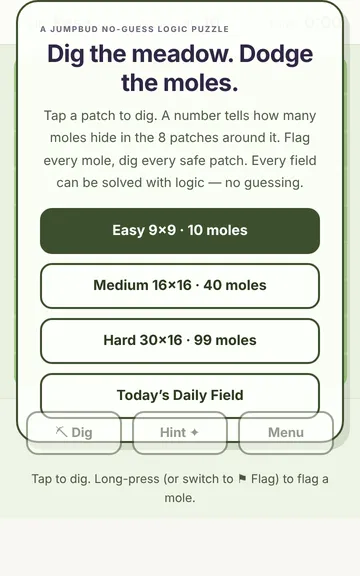
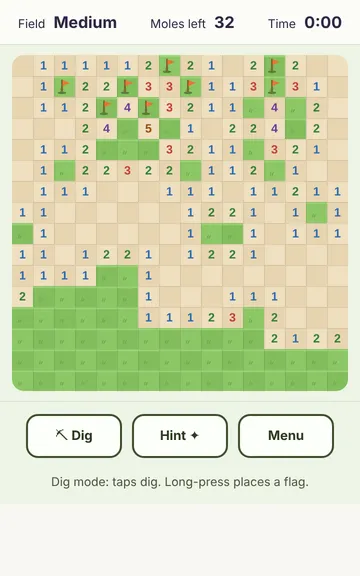
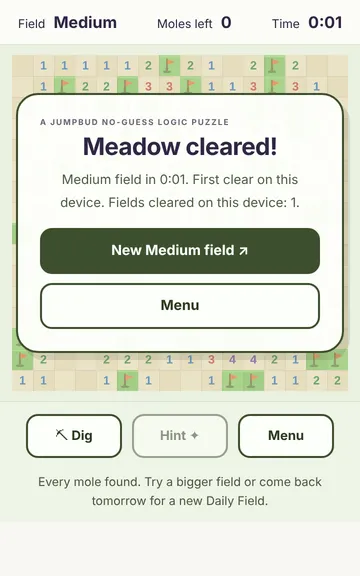
Mole Sweep FAQ
Is Mole Sweep the same as Minesweeper?
It uses the same well-known number-clue rules as minesweeper, with moles instead of mines and a meadow instead of a minefield. Mole Sweep is an original JumpBud game and is not affiliated with Microsoft or any other minesweeper app.
What does no-guess mean?
Every field is generated around your first dig and checked by a logic solver before you play, so it can always be cleared by reasoning from the numbers. You never have to pick between two patches at random.
Is no-guess minesweeper easier than normal minesweeper?
It removes luck, not thinking. You will never lose to a coin flip, but the bigger fields still need the overlap trick between neighboring numbers and the mole count at the end, so Hard 30×16 with 99 moles remains a real logic challenge. Many players find no-guess boards slower but more satisfying.
Which size should I start with?
Start with Easy 9×9 (10 moles) to learn how the numbers work, then move to Medium 16×16 (40 moles). Today’s Daily Field is also Medium-sized, so it is a good daily practice board once Easy feels comfortable.
Is there a daily minesweeper-style puzzle?
Yes. Today’s Daily Field is the same 16×16, 40-mole board for everyone each day (it changes at local midnight), and your best time for it is saved on your device.
How do I flag on a phone?
Long-press a grass patch, or tap the ⛏ Dig button to switch to ⚑ Flag mode so that taps place and remove flags.
What happens if I dig a mole?
The round ends and all moles are shown, with wrong flags crossed out. Press Retry this field to play the same board again from the same opening, or start a new field.
Can I play on my phone and computer?
Yes. Mole Sweep runs in modern mobile and desktop browsers with touch, mouse and keyboard controls. There is nothing to download or install.
The Hard field is tiny on my phone — can I make the squares bigger?
Yes. During a Medium or Hard game, tap Zoom in below the meadow. Patches grow to 34 px and you drag with one finger to scroll; tap Zoom out to see the whole field again. Your choice is remembered on this device.
More games like Mole Sweep
All games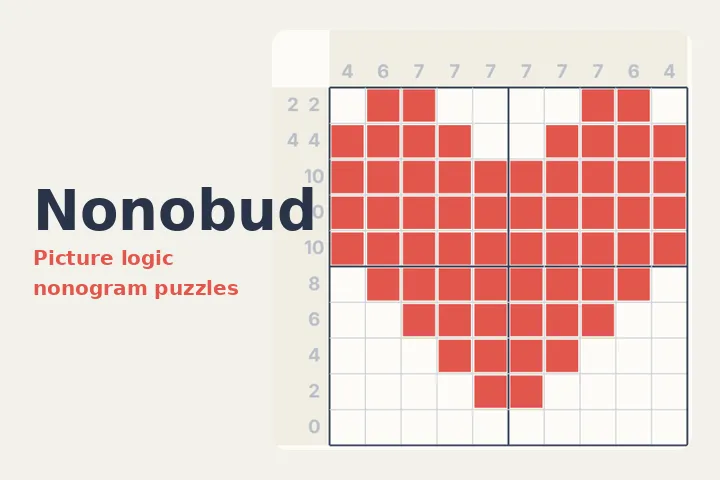
Nonobud
2–8 minRead the numbers, fill the squares, reveal the picture.
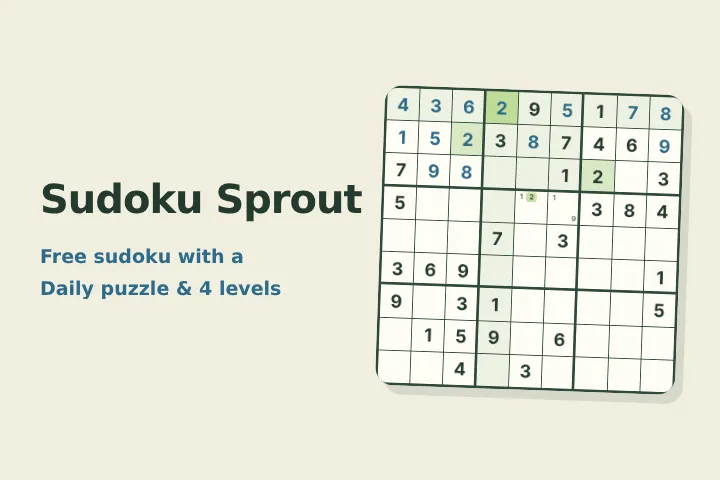
Sudoku Sprout
5–25 minFresh logic-graded sudoku, plus one daily puzzle.

Arrow Untangle
1–3 minTap an arrow. If the way is clear, it slides out.
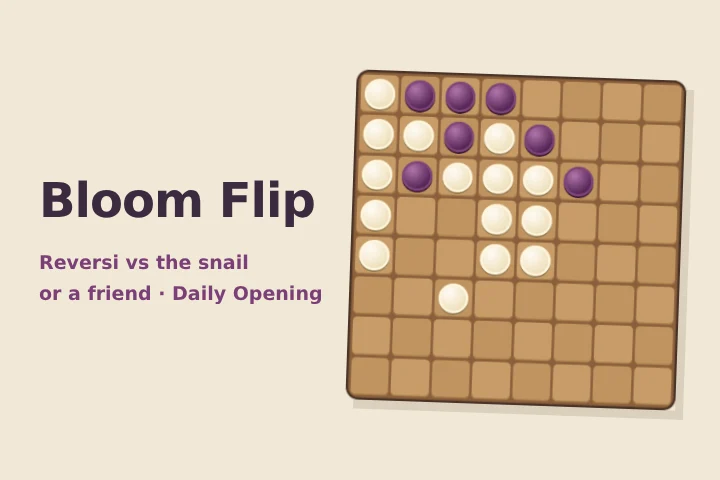
Bloom Flip
5–10 minClassic Reversi in a garden bed — trap a line, flip it plum.
Mole Sweep is an original JumpBud game. Its art, code, board generator and music were made for JumpBud. The number-clue rules are a classic public puzzle format; Mole Sweep is not affiliated with Microsoft Minesweeper or any other minesweeper game or app.