 JumpBud
Snack Snake – Free Classic Snake Game Online
To play without the Safari address bar, tap Share, then Add to Home Screen. Turn on Open as Web App if shown, then launch JumpBud from your Home Screen.
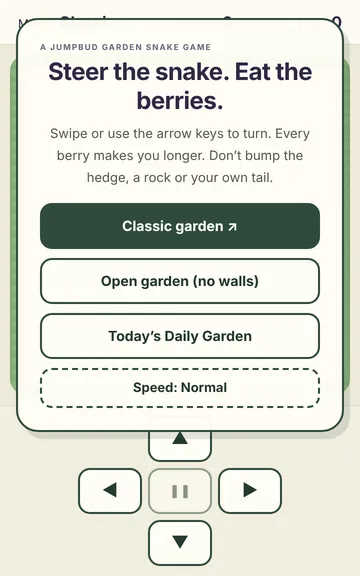
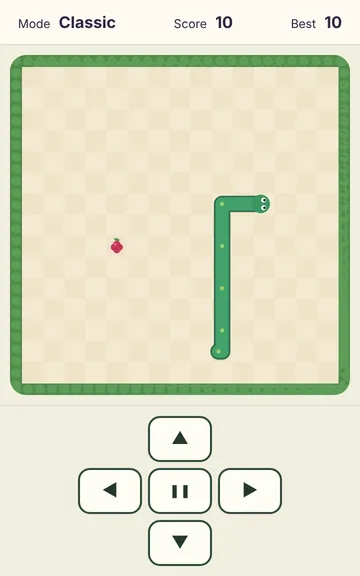
On a phone, swipe on the garden to turn, or use the arrow pad below it. You can line up two quick turns in a row. Tap ❚❚ to pause.
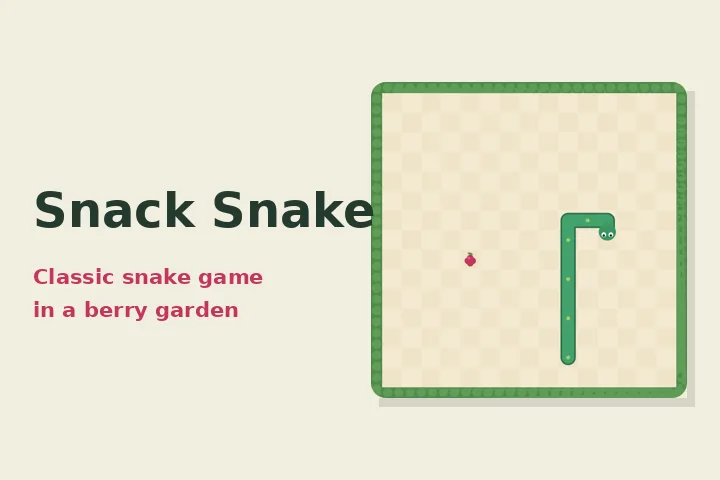
Snack Snake is a free classic snake game you can play in your browser on a phone, tablet or computer, with no download and no sign-up. At a glance: 3 modes (Classic garden with walls, Open garden with no walls, and a Daily Garden that is the same for everyone), 3 speeds, swipe, on-screen arrow pad or keyboard controls, and your best score saved on this device. Guide a hungry garden snake around a 15×15 berry patch. Every berry makes you one square longer, and the snake speeds up a little every five berries. Bump into the hedge or your own tail and the round is over. Play the Classic garden with walls, the Open garden where the edges wrap around, or Today’s Daily Garden with a rock layout that is the same for everyone. Choose Relaxed, Normal or Fast speed and chase your best score.
Game info
- Developer
- JumpBud (original game)
- Genre
- Arcade · Casual · Skill
- Released
- November 25, 2026
- Last updated
- November 29, 2026
- Platforms
- Browser on desktop, mobile and tablet
- Orientation
- Portrait
- Controls
- Touch · Mouse · Keyboard
- Price
- Free, no download, no sign-up
How to play Snack Snake
Grow your snake by collecting berries and pears while avoiding your tail and any hedge or rocks in your way.
- Pick Classic garden (solid hedge walls), Open garden (no walls — the edges wrap around) or Today’s Daily Garden (rocks in a layout shared by everyone today). Tap Speed to choose Relaxed, Normal or Fast.
- Swipe, tap an arrow or press an arrow key to start moving. You can’t turn straight back into your own body.
- Eat a berry to score 1 point and grow one square. Every 7th berry, a golden pear appears for 6 seconds — it is worth 3 points.
- The round ends if your head hits the hedge, a rock or your own tail. Your best score for each mode and speed is saved on this device.
Tips for Snack Snake
- Use two quick turns to leave a rock corridor. Start the first turn while there is still an empty square beside the snake, then queue the second to head back.
- In Open garden, check the square across the edge before wrapping toward a pear. Your tail can be waiting on the far side even when the lane beside your head looks clear.
Controls and devices
- Phone and tablet: Swipe anywhere on the garden to turn, or tap the on-screen arrow pad. Tap ❚❚ to pause and ▶ to resume.
- Keyboard: Arrow keys or W A S D to steer. Space or P pauses and resumes. Quick double taps are queued, so tight U-turns work.
- Mouse: Drag on the garden in the direction you want to go, or click the arrow buttons.
Hug the edges early
While the snake is short, travel along the hedge and cut in toward the berry at the last moment. It keeps the middle of the garden open for later, when your tail gets long.
Think two turns ahead
A U-turn needs two quick turns. Press both (for example Up then Left) and the game queues them, so the snake folds back neatly instead of crashing.
Open garden tricks
With no walls, slipping off one side brings you back on the other. Use it to reach berries on the far side quickly — but remember your tail wraps too.
Golden pears and speed
The snake gets a little faster every five berries. Golden pears are worth three berries but only stay for six seconds; skip one if grabbing it means boxing yourself in.
Daily Garden
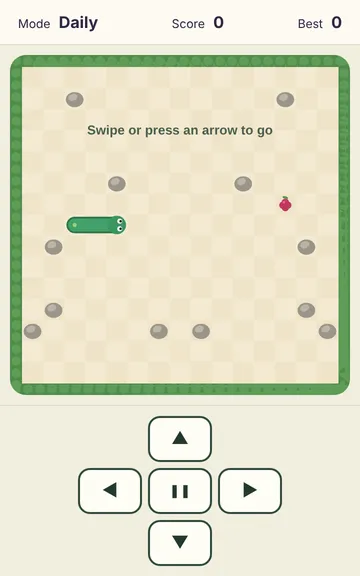
The Daily Garden has twelve rocks placed in a mirror pattern that changes every day at local midnight. Everyone gets the same rocks and berry sequence seed, so it’s a fair way to compare scores with friends.
Gameplay preview
Snack Snake FAQ
Is Snack Snake free?
Yes. It is free to play in your browser with no download, no account and no in-app purchases.
Can I play the snake game on my phone?
Yes. Swipe on the garden or use the on-screen arrow pad. It works in mobile browsers on iPhone and Android, and on desktop with the keyboard or mouse.
Is there a snake game with no walls?
Yes — choose Open garden. The edges wrap around, so leaving one side brings you back on the opposite side. Only your own tail can end the round.
How do I pause?
Tap the ❚❚ button between the arrows, or press Space or P on a keyboard. The game also pauses automatically if you switch tabs.
Does the snake speed up?
A little: every five berries the snake moves about 6% faster, up to a cap. You can also pick Relaxed, Normal or Fast before you start.
Is this the Google snake game?
No. Snack Snake is an original JumpBud game with its own garden art, modes and music. Snake is a classic game format that many games share; Snack Snake is not affiliated with Google or any other snake game.
More games like Snack Snake
All games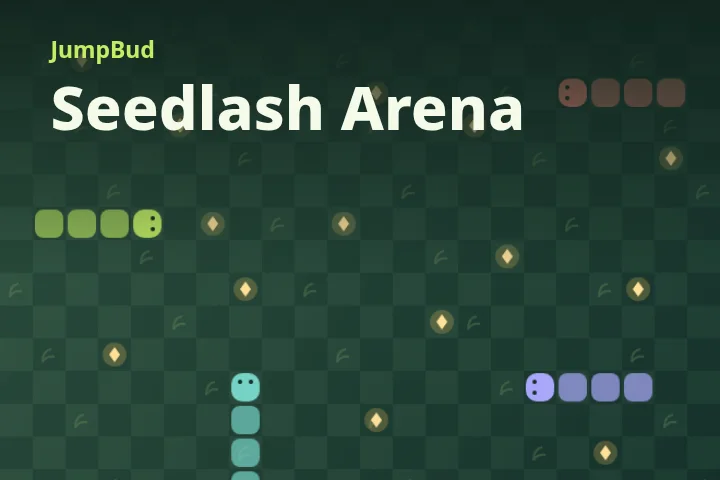
Seedlash Arena
40 secRace three snakes for the garden’s glowing seeds.
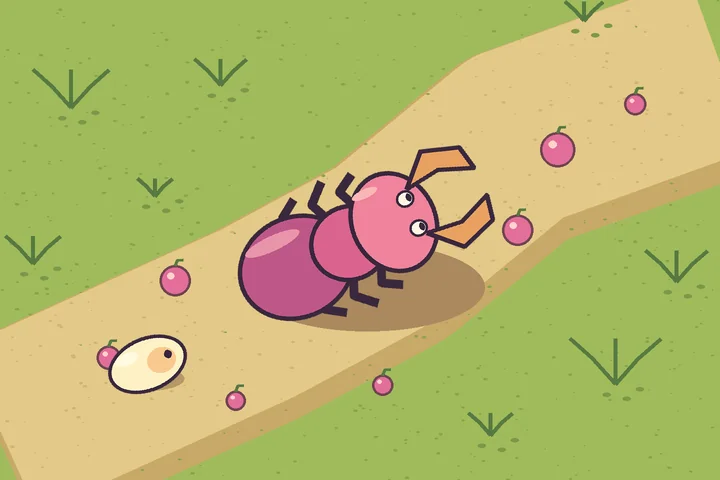
Antling Evolve
1–5 minFollow the crumbs. Grow into a queen.
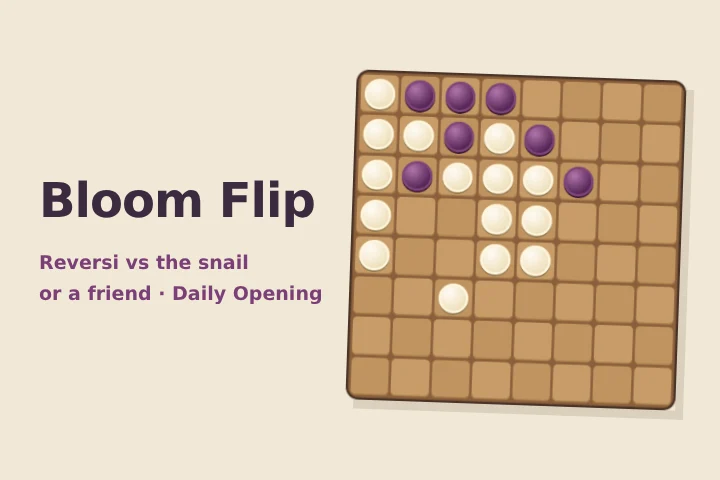
Bloom Flip
5–10 minClassic Reversi in a garden bed — trap a line, flip it plum.
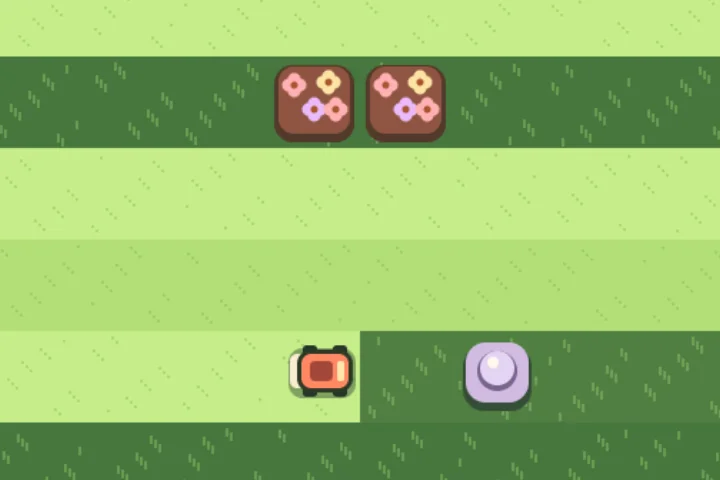
Mow Mate
25 secFresh stripes. One tank. A tidy little yard.
Snack Snake is an original JumpBud game. Its art, code and music were made for JumpBud. Snake is a classic arcade format; Snack Snake is not affiliated with Google, Nokia or any other snake game or app.